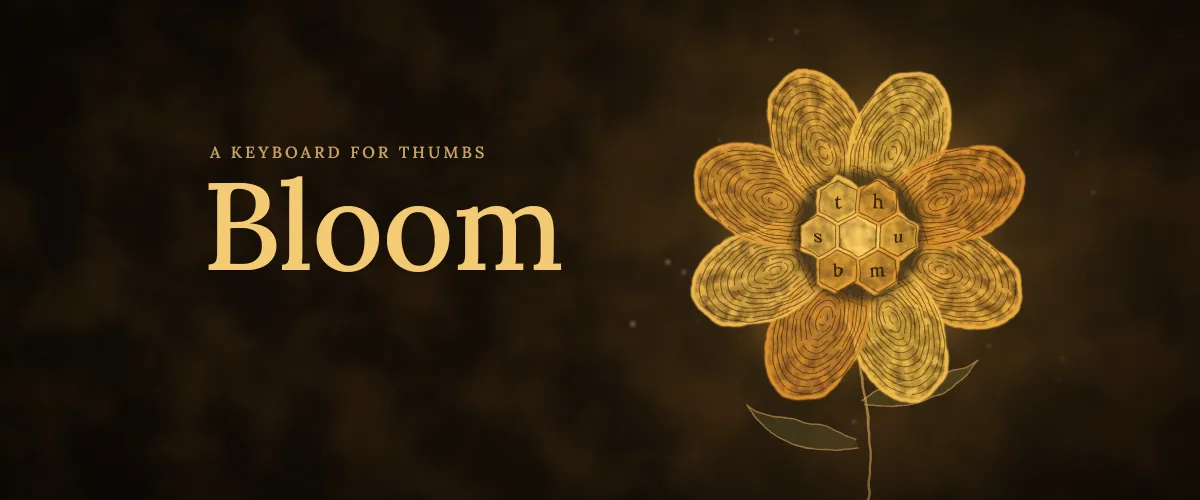
Bloom
A keyboard for thumbs
The keyboard on my phone: a honeycomb of hexagonal keys, laid out for two thumbs instead of ten fingers. It started as a way to learn Dvorak, and for well over a year it was simply the keyboard I used every day. In 2026 I levelled it up to share it.
- Layout
- 5-row Dvorak honeycomb
- Internet
- None, by design
- Built
- Kotlin, keys drawn on a canvas
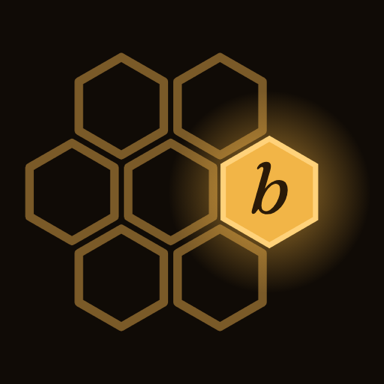
QWERTY was never redesigned for thumbs.
It was laid out in the 1870s for typewriters and ten fingers on a desk. Phones copied it key for key and added autocorrect on top, but the layout underneath never changed for the way we actually type: with two thumbs. Watch where the work lands.
Comfort comes first. Speed comes with practice.
Built around two thumbs, and a way in.
One real recording on the Play build. Scroll to play it, scroll back to rewind.
One for each thumb.
Hexagons pack without gaps, so five rows hold every letter, punctuation, shift, backspace and enter, with keys that are easy to hit. Vowels on one side, the most common consonants on the other, so your thumbs take turns, and whichever thumb is free takes the space.
Swipe instead of reaching.
Swipe right to take the suggestion, swipe left to delete a typo, swipe up on a key for the number in its corner. "2026" never leaves the letters. Suggestions come from about 10,000 words ranked by frequency, all on the phone.
Drag back to undo the delete.
Swipe left and hold, and it deletes a character at a time as your thumb drags. Slide back right without lifting and they come back, in order. Once you've used it, it's the gesture you miss everywhere else.
A tour of the gestures first.
Years of QWERTY make any new layout slow at first. Learn starts with a two-minute tour on the real keyboard, one gesture at a time.
Then short lessons.
Eight lessons build up from the home keys to the most-used words. The next key glows, a wrong key isn't typed, and hints stay on for the first two.
No testers until there was a way in.
By mid-October Bloom worked. I'd typed on it every day for well over a year. But Google Play's closed test hands an app to a dozen people for two weeks, and most of them would arrive from QWERTY. A new layout is slow at first, and a slow first hour is when people give up on it.
So the bar for testing wasn't "it works". It was "someone new can find their way in". Learn, the guided tour and eight lessons on the real keyboard, was marked as blocking the closed test, and testers waited until it was done.
The cost is time. The two-week testing clock started later, and the public release moves with it.
Nothing you type leaves the phone.
A keyboard sees everything you type, so Bloom leaves out Android's internet permission entirely: it can't send anything anywhere. Dictation came and went before release, so it needs no microphone either. No sync, no AI rewrites. For a keyboard, that's the right trade.
INTERNETsend or receive anythingRECORD_AUDIOlisten through the microphoneREAD_CONTACTSlearn names from your contactsACCESS_NETWORK_STATEcheck whether you're onlineVIBRATEa small buzz on each key
A honeycomb Dvorak keyboard I built to learn the layout, and kept using long after I'd learned it.
Picked back up with my coding agents: a canvas renderer, the gestures, palettes and knobs, word completion on the phone.
Ready for other people: an icon, a setup screen, a facelift, and Learn, because someone coming from QWERTY needs a way in that I never did.
Plain Kotlin, no Android Studio, no Compose. Every key is drawn on a canvas and every build goes out over adb, which kept the app small enough for a team of coding agents and me to hold in our heads.
Out of testing, onto Google Play.
Bloom is in closed testing now. Next it opens up to everyone on Google Play. After that, maybe iOS: a new build rather than a port, and only if it can keep the same rule, no internet.
Bloom's page →