QWERTY was laid out for typewriters and ten fingers on a desk. Phones copied it key for key, and we type on them with two thumbs.
Bloom: a keyboard for thumbs

Easier on your thumbs. Faster too.
Bloom
A hex keyboard for Android
The problem
Your phone's keyboard was made for a typewriter
The answer
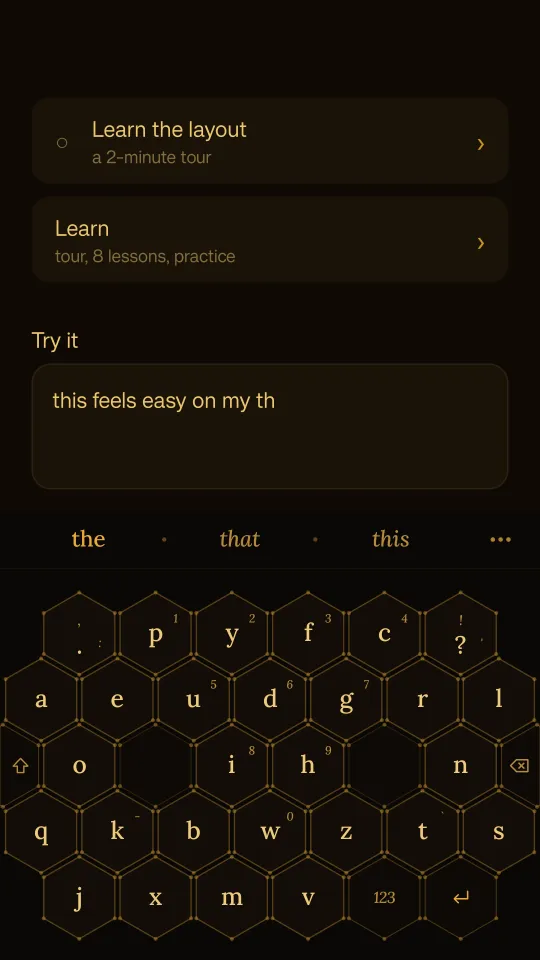
Designed for thumbs, not typewriters
- Big hexagonal keys that are easy to hit.
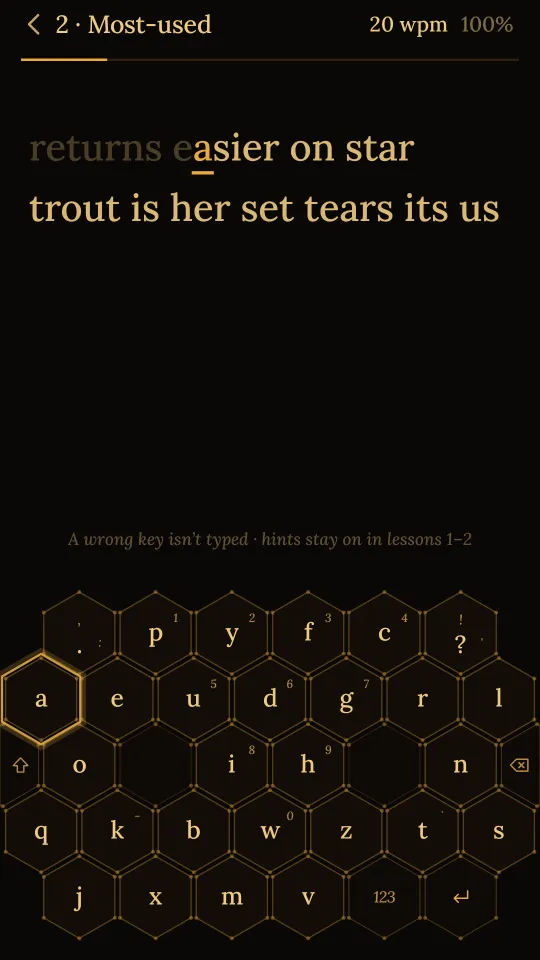
- A Dvorak-based arrangement, with vowels on one side and the most common consonants on the other, so your thumbs take turns instead of stretching.
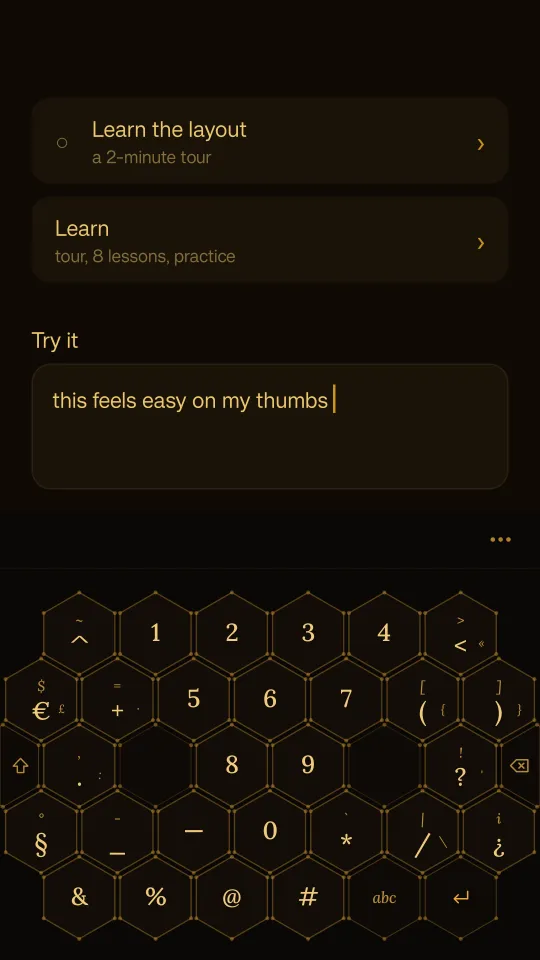
- Gestures instead of reaching. Swipe left to delete, right to accept a suggestion, up for numbers and symbols.
The letter arrangement comes from Dvorak. What makes Bloom a thumb keyboard is everything around it: the honeycomb, the size of the keys, and gestures where other keyboards make you reach.
Comfort comes first. Speed comes with practice.
The honest catch
It's slow at first. Learn fixes that.
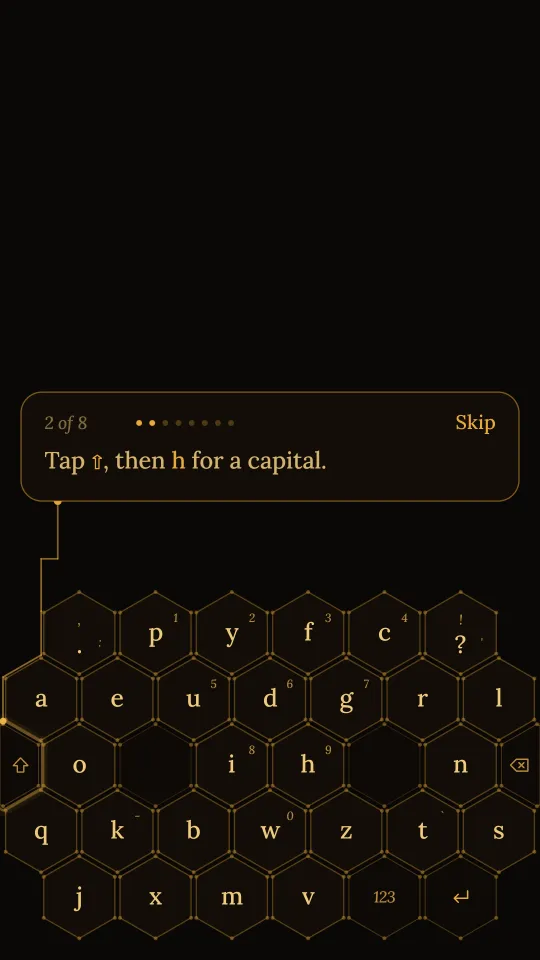
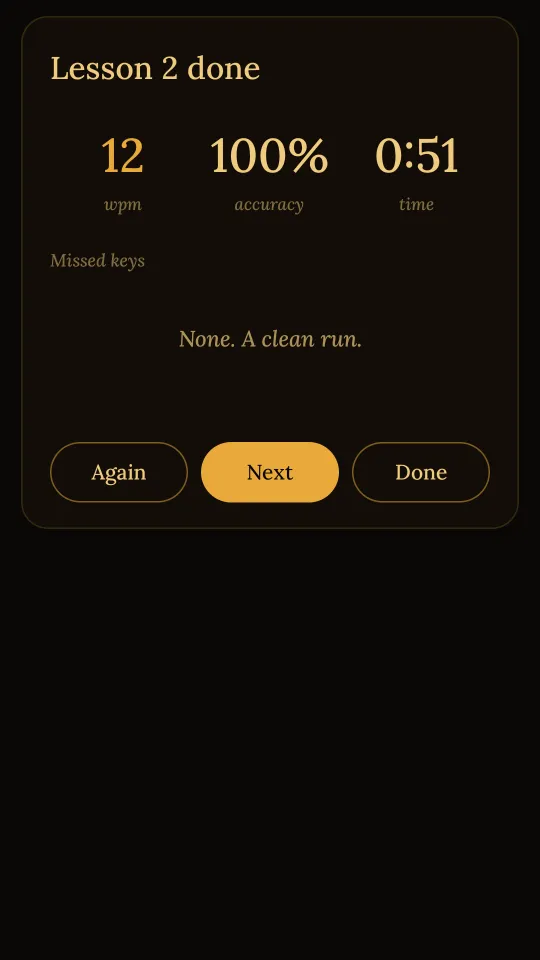
Years of QWERTY make any new layout slow at first. That's why Bloom has Learn: a short guided tour of the gestures, then bite-size lessons on the real keyboard, with a glowing outline on the key you need. What you learn carries straight over to everyday typing. Open Learn from the Bloom app, or run a quick practice line from the keyboard's settings.
Also
- Hold space and drag to move the cursor
- Word suggestions from a built-in list, so they work offline
- Your last five copied items, kept in memory only
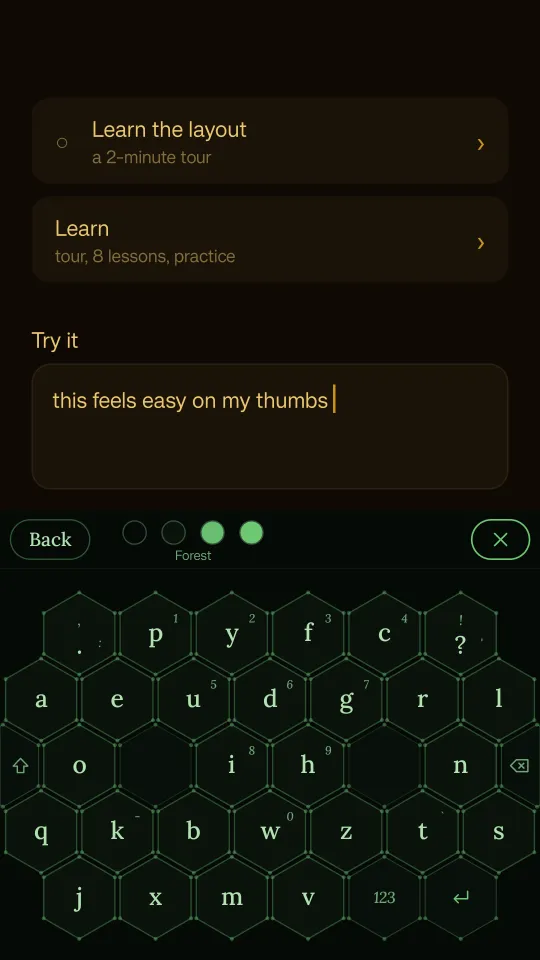
- Switchable colour palettes
Private by design
Nothing you type leaves your phone
A keyboard sees everything you type, so Bloom has no internet permission at all. No accounts, no ads, no analytics, no data collected. In password fields it turns off suggestions and clipboard shortcuts. Read the privacy policy.